
Managing multiple clients can become challenging when accountants and bookkeepers have to switch between separate company files, track deadlines, review transactions, and communicate with different businesses throughout the day. QuickBooks Online Accountant is designed to give accounting professionals a centralized way to work with multiple client companies from one accountant-focused platform.
For firms that want to manage multiple clients in QuickBooks, the biggest advantage is having client access, accounting workflows, and accountant-specific tools organized in one place. Instead of treating every client as a completely separate workflow, accountants can use a centralized dashboard to move between client accounts and complete common accounting tasks more efficiently.
What Is QuickBooks Online Accountant?
QuickBooks Online Accountant is an accountant-focused platform that helps accounting professionals connect with and manage their QuickBooks Online clients.
It provides tools for working across client companies, reviewing financial information, managing client relationships, collaborating with team members, and performing accountant-specific tasks.
The platform is particularly useful for:
- Bookkeepers
- Accountants
- Tax professionals
- Accounting firms
- Freelance accounting professionals
- Firms managing multiple small-business clients
The goal is simple: make multi-client accounting easier to organize and manage.
How Does QuickBooks Online Accountant Help Manage Multiple Clients?
QuickBooks Online Accountant can simplify multi-client workflows by bringing important client-management functions into a centralized environment.
Instead of repeatedly navigating separate processes, accountants can use their accountant dashboard to locate clients, open their books, review information, perform accounting tasks, and return to the client list when finished.
Here are some of the ways this can improve daily accounting workflows.
1. Centralized Client Management
One of the biggest challenges for accounting firms is keeping track of all their clients.
When client information is scattered across emails, spreadsheets, accounting software, and separate systems, it can become difficult to know which accounts need attention.
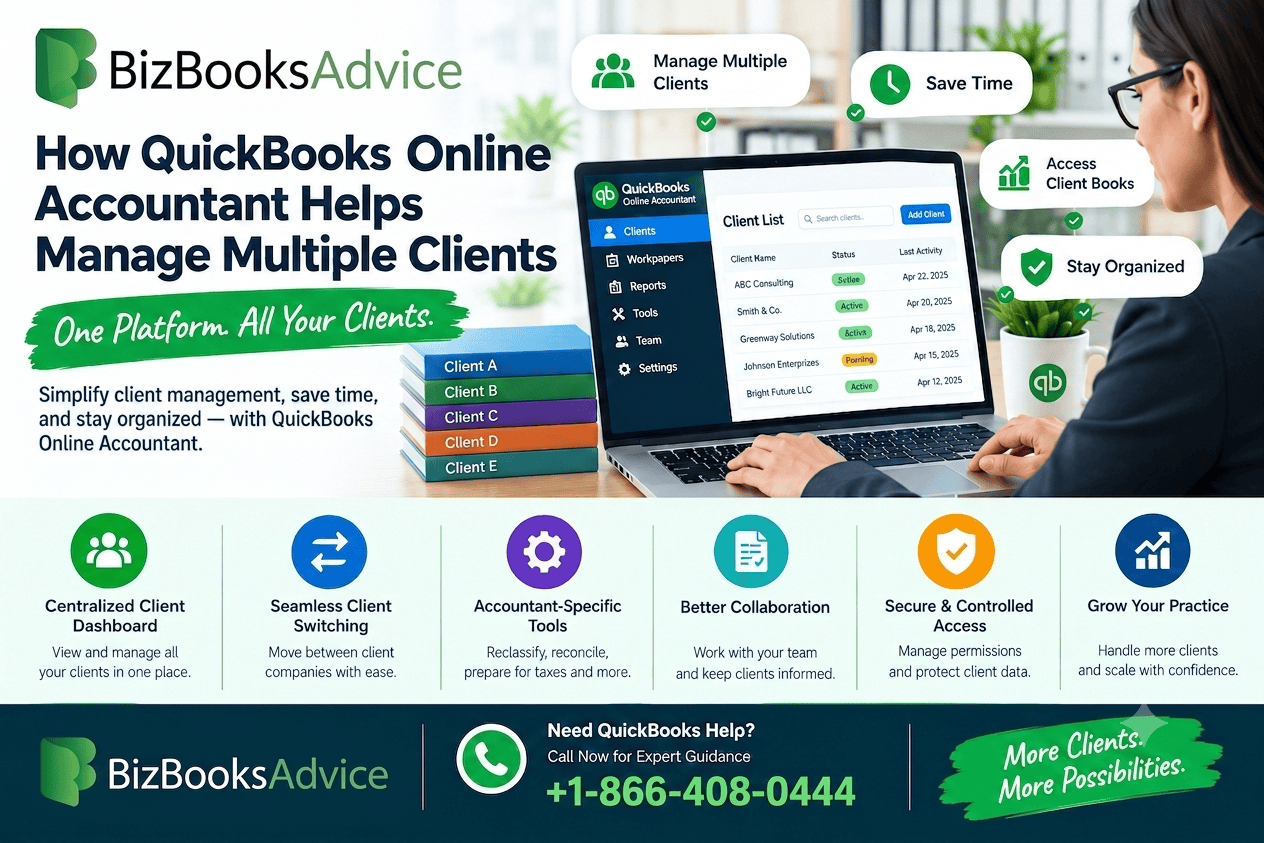
QuickBooks Online Accountant provides a centralized client list where accounting professionals can organize their client relationships.
From the client area, accountants can identify businesses they work with and access the appropriate QuickBooks Online company.
This creates a more organized starting point for daily accounting work.
Why Centralized Access Matters
Imagine an accountant working with 30 different businesses.
Without a centralized workflow, the accountant may need to remember:
- Which client needs a reconciliation
- Which company has transactions requiring review
- Which client requested a report
- Which business needs bookkeeping adjustments
- Which company requires additional information
A centralized client environment can make these activities easier to track.
2. Switch Between Client Companies More Efficiently
When working with multiple businesses, constantly signing out and signing back into different accounting accounts can waste time.
An accountant-focused QuickBooks environment is designed around multi-client access, allowing accounting professionals to work with connected client companies from their accountant dashboard.
This is especially helpful for firms that handle bookkeeping for several businesses throughout the day.
For example, an accountant could review one client's transactions, switch to another company to check reconciliations, and then return to the client list to work on another account.
The result is a workflow focused on client management rather than repeated account navigation.
3. Review Client Financial Information
Accountants often need to review a client's books before completing accounting work.
Depending on the access provided, they may need to review:
- Bank transactions
- Expenses
- Income
- Accounts
- Reports
- Reconciliations
- Customer activity
- Vendor transactions
- Payroll-related information
Having access to client information through a centralized accountant workflow can make routine reviews more manageable.
It also gives accounting professionals a better overview of which client companies require attention.
4. Use Accountant-Specific Tools
QuickBooks Online Accountant includes tools designed specifically for accounting professionals.
These tools can be useful when accountants need to perform tasks that go beyond basic bookkeeping.
Examples may include:
- Reclassifying transactions
- Reviewing financial reports
- Reconciling accounts
- Preparing books for tax work
- Reviewing client transactions
- Making accounting adjustments
- Working with client bookkeeping data
Here's the thing: the value isn't just having access to multiple companies. It's also having tools designed around professional accounting workflows.
This can reduce the need to use separate processes for routine accountant tasks.
5. Manage Client Work More Consistently
Every client may have different accounting needs, but firms can still establish consistent workflows.
For example, a bookkeeping firm might create a monthly process such as:
- Review bank transactions.
- Check for uncategorized activity.
- Review account balances.
- Reconcile applicable accounts.
- Review financial reports.
- Identify unusual transactions.
- Contact the client about missing information.
- Complete month-end bookkeeping tasks.
Repeating a structured process across clients can help reduce missed tasks.
QuickBooks Online Accountant can serve as the central environment from which accountants access the companies involved in these workflows.
6. Make It Easier to Manage a Growing Client Base
As an accounting practice grows, client management becomes increasingly important.
A firm with five clients may be able to track most activities manually. A firm with 50 or 100 clients needs a more structured process.
The challenge isn't simply having more clients. It's maintaining consistent service quality while the workload increases.
A centralized accountant platform can help firms organize client information and access the businesses they manage without treating each client relationship as an entirely separate system.
Scaling Requires Organization
Growing firms should establish processes for:
- Client onboarding
- Access management
- Monthly bookkeeping
- Account reconciliation
- Report review
- Communication
- Task assignment
- Billing
- Client offboarding
QuickBooks Online Accountant can form one part of this broader practice-management workflow.
7. Help Accounting Teams Collaborate
Multiple people may work on client accounts within an accounting firm.
For example, one employee may handle bookkeeping while another reviews financial reports or prepares tax-related work.
Team management and user permissions can help firms determine who should have access to particular accounting activities.
This becomes increasingly important as an accounting practice grows.
A well-organized permission structure can help ensure that team members have the access they need without giving every employee unrestricted control over every client account.
8. Simplify Client Onboarding
Client onboarding is another important part of managing multiple businesses.
When a new client joins an accounting firm, the accountant may need to establish access to the client's QuickBooks Online company.
Depending on the client's situation, the client can invite the accounting firm, or the accountant can add a new client through the accountant platform.
A structured onboarding process should confirm:
- Client business information
- Correct client email address
- Appropriate user access
- Accountant or firm access
- Existing QuickBooks subscription
- Billing responsibilities
- Required accounting information
Getting these details right from the beginning can prevent access problems later.
9. Find Clients More Easily
As the number of client companies increases, simply remembering every business name becomes impractical.
Search and filtering capabilities can help accountants locate specific client accounts more quickly.
This is particularly useful when a firm manages businesses with similar names or works with clients across different industries.
For example, instead of scrolling through a long client list, an accountant can search for the relevant business and open the appropriate company.
Small workflow improvements like this can add up when repeated dozens of times each week.
10. Improve Monthly Client Workflows
Many accounting firms perform similar activities for clients every month.
A typical monthly bookkeeping workflow might include:
Transaction review → Categorization → Reconciliation → Adjustments → Reports → Client review
Using a centralized client-management workflow can make it easier for accountants to repeat this process across multiple businesses.
It can also help firms identify clients that are behind on their bookkeeping or require additional information.
QuickBooks Online Accountant for Bookkeeping Firms
Bookkeeping firms are one of the primary groups that can benefit from an accountant-focused QuickBooks environment.
A bookkeeping practice may manage businesses with different:
- Industries
- Transaction volumes
- Banking relationships
- Accounting methods
- Reporting requirements
- Payroll arrangements
- Chart-of-accounts structures
Despite these differences, the bookkeeping firm still needs a reliable way to access and organize its client work.
QuickBooks Online Accountant can provide the central client-access layer while allowing each business to maintain its own QuickBooks Online company.
QuickBooks Online Accountant vs. Using Separate QuickBooks Accounts
A business owner generally uses QuickBooks Online to manage their own company's accounting.
An accountant, however, may work with dozens of separate businesses.
That's an important distinction.
An accountant needs a workflow designed around multiple client relationships, while an individual business primarily needs tools for managing its own financial records.
This is why an accountant-focused platform can be more practical for professional bookkeeping and accounting firms.
Best Practices for Managing Multiple QuickBooks Clients
Technology alone doesn't create an efficient accounting practice. Firms should also establish clear internal processes.
Standardize Your Client Workflow
Create a repeatable process for monthly bookkeeping, reconciliations, reporting, and review.
Keep Client Information Current
Make sure contact information, business details, and access permissions remain accurate.
Review User Permissions
Periodically check who has access to each client company and remove access that is no longer necessary.
Separate Client Communication From Accounting Tasks
Use a consistent communication process so requests for missing documents or transaction information don't get lost.
Track Recurring Deadlines
Tax deadlines, payroll dates, monthly close schedules, and reporting requirements should be tracked separately from the accounting software itself when necessary.
Review Work Before Client Delivery
Before sending financial reports or completing month-end work, perform a quality-control review.
Common Challenges When Managing Multiple Clients
Even with an accountant-focused platform, accounting firms can encounter problems.
Client Invitation Problems
A client may send an invitation to the wrong email address or accountant user ID.
Permission Issues
An accountant may be able to view a company but lack the permissions required for a specific administrative task.
Missing Client Companies
A client may not appear where expected because of account, firm, invitation, or company-status issues.
Duplicate Client Records
Poor onboarding procedures can result in confusion between similar client profiles.
Inconsistent Workflows
When every employee handles client bookkeeping differently, quality control becomes more difficult.
The solution is usually a combination of appropriate software access and well-defined internal procedures.
Is QuickBooks Online Accountant Good for Managing Multiple Clients?
Yes, it can be a practical choice for accountants and bookkeeping firms that work with multiple QuickBooks Online companies.
Its main advantage is that it is designed around the accountant's workflow rather than a single company's bookkeeping needs.
It can help professionals:
- Organize client relationships
- Access multiple client companies
- Review financial information
- Perform accountant-specific tasks
- Collaborate with team members
- Establish repeatable workflows
- Manage a growing client base
However, firms should evaluate their own workflow, client volume, team structure, and required features before choosing any accounting platform.
Quick Checklist for Multi-Client Accounting
Before expanding a bookkeeping or accounting practice, make sure you have:
- A centralized client list
- Standard onboarding procedures
- Defined user permissions
- A monthly bookkeeping checklist
- A reconciliation process
- A financial-report review process
- A secure client communication method
- Recurring deadline tracking
- A quality-control procedure
- A process for removing former employees' or contractors' access
These practices can help turn a growing client list into a manageable accounting workflow.
Frequently Asked Questions
What is the best way to manage multiple clients in QuickBooks?
For accounting professionals, an accountant-focused platform can make multi-client work easier by providing centralized client access, accountant tools, and workflow features. Firms should also establish consistent onboarding, bookkeeping, review, and access-management procedures.
Can accountants manage multiple companies through QuickBooks Online Accountant?
Yes. QuickBooks Online Accountant is designed for accounting professionals who work with multiple QuickBooks Online client companies.
Can multiple team members work with client accounts?
Yes, firms can use team and access-management features to provide appropriate permissions to team members. The exact capabilities depend on the user's role and the client's access settings.
How does QuickBooks Online Accountant help bookkeeping firms?
It provides a centralized environment for managing client relationships and accessing client books, while also providing accountant-focused tools that can help with reviewing and adjusting accounting information.
Is QuickBooks Online Accountant the same as QuickBooks Online?
No. QuickBooks Online is primarily designed for businesses to manage their own accounting. QuickBooks Online Accountant is designed for accountants and bookkeeping professionals who work with multiple client companies.
Can QuickBooks Online Accountant help a firm scale?
It can help organize multi-client workflows as a practice grows. However, firms should combine the software with standardized processes, team management, quality control, and clear client communication procedures.
Key Takeaways
Managing multiple businesses requires more than simply having access to several QuickBooks companies. Accounting professionals need an organized workflow for finding clients, reviewing their books, completing accounting tasks, collaborating with team members, and maintaining consistent processes.
QuickBooks Online Accountant is designed around these professional accounting needs. For firms looking to manage multiple clients in QuickBooks, its centralized client environment and accountant-focused tools can make everyday work more organized.
The best results come when the platform is combined with standardized bookkeeping procedures, appropriate permissions, regular reviews, and a clear client-management process.
If your firm is experiencing difficulties with client access, account organization, or QuickBooks workflows, BizBooksAdvice can provide QuickBooks assistance at +1-866-408-0444.